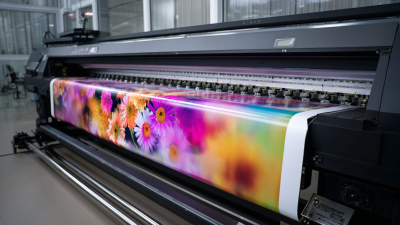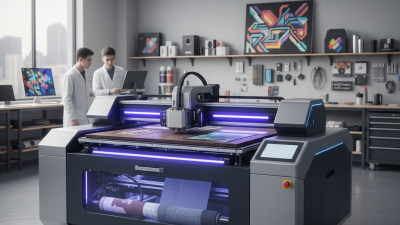
Choosing the best Industrial Uv Printer is rarely about selecting the fastest machine. Real production demands a careful balance between print quality, material compatibility, operating cost, and long-term reliability. A printer that looks impressive in a showroom may struggle with textured panels, uneven substrates, or continuous daily workloads.
Experienced print operators usually begin with the application. Consider the materials, expected colors, image size, curing method, and production volume. A rigid-board printer may suit signage, furniture panels, or packaging prototypes. However, it may not handle flexible media without additional equipment. Small details matter, including nozzle protection, ink adhesion, bed accuracy, and ventilation requirements.
Do not trust speed alone.
A reliable Industrial Uv Printer should deliver consistent results across repeated jobs. Ask suppliers for test samples using your actual materials. Inspect fine text, solid color areas, gradients, and white-ink coverage under normal lighting. Review maintenance records, warranty terms, training, spare-part availability, and local technical support. These details often influence ownership costs more than the initial purchase price.
There is no perfect machine for every factory. Even experienced buyers can underestimate cleaning time or operator training. That mistake becomes expensive after installation. Compare measured performance instead of relying only on brochures. Check applicable safety, electrical, environmental, and workplace requirements in your region. A practical decision combines verified evidence, honest limitations, and a clear understanding of your production goals. The best choice should remain dependable after the first month, not merely impressive on delivery day.
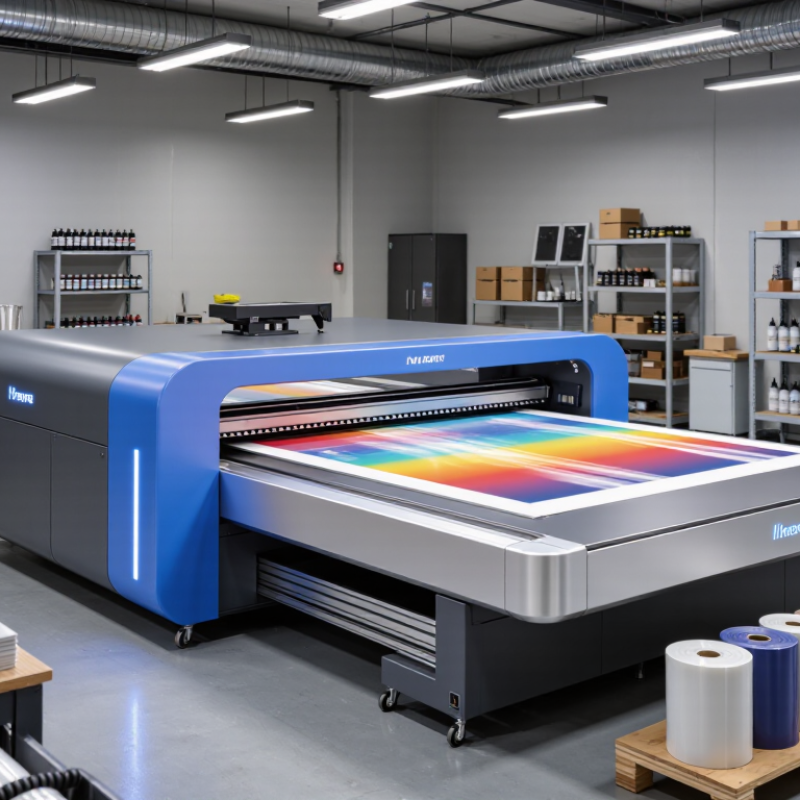
Start with the production problem, not the printer. Measure the widest sheet, daily volume, material mix, and required delivery time. Record every substrate, including coated metal, glass, plastic, wood, and flexible films. Surface energy matters because attractive samples can still fail during adhesion testing.
Grand View Research estimated the global UV inkjet printer market at about USD 1.7 billion in 2023. Its forecast also indicates strong growth through 2030. This growth reflects demand for short runs, variable graphics, and direct-to-object printing. However, market averages cannot define your factory. A packaging line may need continuous uptime, while a signage workshop may value quick changeovers.
Specify resolution, color channels, curing speed, and usable print width. Ask for measured throughput, not a brochure’s maximum speed. Request test prints using your actual files and materials. Check rub resistance, outdoor durability, cleaning needs, and ink consumption. The Smithers report, The Future of UV Inkjet Printing to 2028, highlights expanding applications across industrial and commercial production. Still, performance depends heavily on workflow design.
Calculate the cost per finished piece. Include labor, pretreatment, maintenance, rejected prints, ventilation, and energy. A practical trial should run for several shifts, not one impressive sample. My first specification might be too optimistic. Production noise, dust, and operator habits can expose weaknesses quickly. The best choice is the system that remains predictable on an ordinary Tuesday.
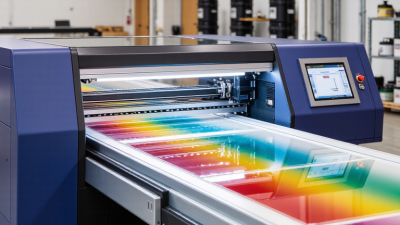
Choosing the best industrial UV printer starts with the material, not the advertised speed. A flatbed model suits rigid boards, panels, glass, and shaped parts. Vacuum tables keep sheets stable during printing. Roll-to-roll equipment handles flexible film, banners, and labels with less manual loading. Hybrid machines combine both functions, but their wider structure may require more floor space and maintenance.
Printer size should match your daily work, not your biggest occasional order. Measure the largest substrate, then allow room for loading and ventilation. A 1.6-meter machine may fit signage production, while a 3.2-meter model supports larger panels. Bigger is not always better. I have seen unused width become an expensive burden.
Tips: Test your real materials before purchasing. Check adhesion after bending, rubbing, and heat exposure. Compare UV LED curing, ink density, white ink, and clear-coat options. UV LED systems usually reduce heat on sensitive substrates and support immediate handling. White ink helps on dark or transparent media, while clear ink can add texture or gloss. Printhead alignment also matters; tiny banding becomes obvious on smooth panels. Ask for production samples, maintenance records, and measured output speeds. Rated speed often assumes simple artwork and ideal conditions. Your files may perform differently.
Choosing the best industrial UV printer requires more than comparing resolution numbers. In production trials, inspect small text, solid fills, gradients, and fine white ink layers. A 1,200 dpi specification means little if banding appears across a 2-meter panel. Smithers reported that global digital print value reached about $136.7 billion in 2023, showing how quality expectations are rising across commercial and industrial work.
Speed must be measured under real conditions. Ask for finished output per hour, not only carriage speed. Include loading, curing, cleaning, color changes, and rejected sheets. Grand View Research estimates the UV-curable inks market will grow at roughly 10% annually through 2030. That growth reflects demand for fast, durable decoration, but faster printing can expose weak adhesion or uneven curing. I would test a full production shift.
Materials deserve equal attention. Print on acrylic, glass, aluminum, wood, corrugated board, and flexible films used by your customers. Check adhesion after handling, scratching, moisture exposure, and temperature changes. The FESPA Print Census found that many print companies are expanding into new applications, making substrate flexibility commercially important. Capacity is the final reality check. Calculate daily demand, average job length, operator hours, and maintenance time. A printer may meet peak speed yet miss weekly targets because setup takes too long. I have seen elegant samples hide awkward workflows. That mistake is expensive.
Compare print quality, production speed, material flexibility, and daily output using representative performance scores for common industrial UV printer classes.
Scores are normalized on a 0–100 scale from typical operating ranges: approximately 600–1,200 dpi resolution, 10–80 m²/h print speed, 3–8 material groups, and 80–640 m² output per eight-hour shift. Actual results vary by ink configuration, print mode, substrate handling, artwork coverage, and curing requirements.
When choosing an industrial UV printer, study the ink system before comparing purchase prices. A stable system should deliver consistent drops across long production runs. White and clear inks need special attention because settling can cause blocked nozzles. Ask how often the ink circulates, how much ink is wasted during purging, and whether the system uses cartridges or bulk containers. Small details matter.
I once evaluated a printer that offered low ink costs but required frequent manual cleaning. The saved ink did not cover the extra labor or downtime. Record daily nozzle checks, cleaning time, purge volume, and rejected prints during a real production trial. Do not rely only on showroom samples. They are often too perfect.
Maintenance should be simple, visible, and documented. Check access to printheads, wipers, filters, pumps, and curing units. Ask for service intervals and the expected replacement cost of each part. A reliable supplier should provide operating data, not vague promises. Calculate the full cost per usable print, including ink, electricity, labor, substrate waste, maintenance, and idle time. Leave room for mistakes. Humidity, dust, and operator habits can change the result. A printer that looks efficient on paper may perform differently beside your production line.
When evaluating an industrial UV printer, safety should be tested, not merely listed in a brochure. Look for guarded curing units, door interlocks, emergency stops, and clear warnings around moving parts. Confirm ventilation guidance and ask how operators should handle inks, cleaning fluids, and waste. Request electrical and workplace safety documentation for your region. During a site visit, watch an operator start and stop the machine. Small delays can reveal confusing controls. Test it yourself.
Support quality often determines whether production remains stable after installation. Ask for installation training, preventive maintenance schedules, remote diagnostics, and realistic response times. A dependable service team should provide manuals, spare-part availability, and a clear escalation process. Request references from users with similar materials, shift patterns, and print volumes. Run a sample job before purchasing. Check color consistency, curing performance, cleaning time, and operator comfort. Keep records.
Long-term value means more than the initial quotation. Calculate energy use, ink consumption, planned service, downtime, and software or hardware upgrades. Ask whether common components remain available several years later. A cheaper machine may become expensive when one unavailable part stops a production line. I have seen teams overvalue speed and undervalue maintenance access. That is an easy mistake to repeat. Leave room for doubt, and compare verified operating data rather than optimistic promises.