What Is the Best Large UV Printer in 2026?
Choosing the best Large Uv Printer in 2026 means matching machine capability to real production demands, not chasing the biggest specification sheet. A printer may handle rigid boards beautifully yet struggle with roll media, fine text, or fast job changes. The right choice depends on what you print, how often, and what a failed job costs.
Industry forecasts offer useful context, but they do not name a universal winner. Grand View Research’s UV Printing Market report estimated the global market at USD 4.2 billion in 2022 and projected an 8.7% compound annual growth rate from 2023 to 2030. This broad market estimate is not limited to large-format equipment. Smithers’ The Future of Digital Printing to 2032 also provides a wider view of digital-print trends. Growth matters. But it cannot tell you whether a specific printer will keep white ink stable through a long shift or maintain color across a stack of acrylic panels.
Printing pioneer Benny Landa has said, “Everything that can be printed, will be printed.” That idea helps explain the demand for flexible, short-run production. Still, flexibility has limits. For this comparison, we will weigh print quality, usable bed size, throughput, ink and maintenance costs, service support, and material compatibility. We will also distinguish advertised speed from practical output, which can change with curing, setup, and job complexity. A showroom sample is not a production test. Bring your own files and materials, and inspect the results closely. That extra check can feel slow. It is often worth it.
Define Large UV Printers: Flatbed, Hybrid, and Roll-to-Roll Types
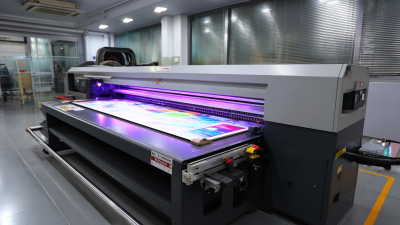
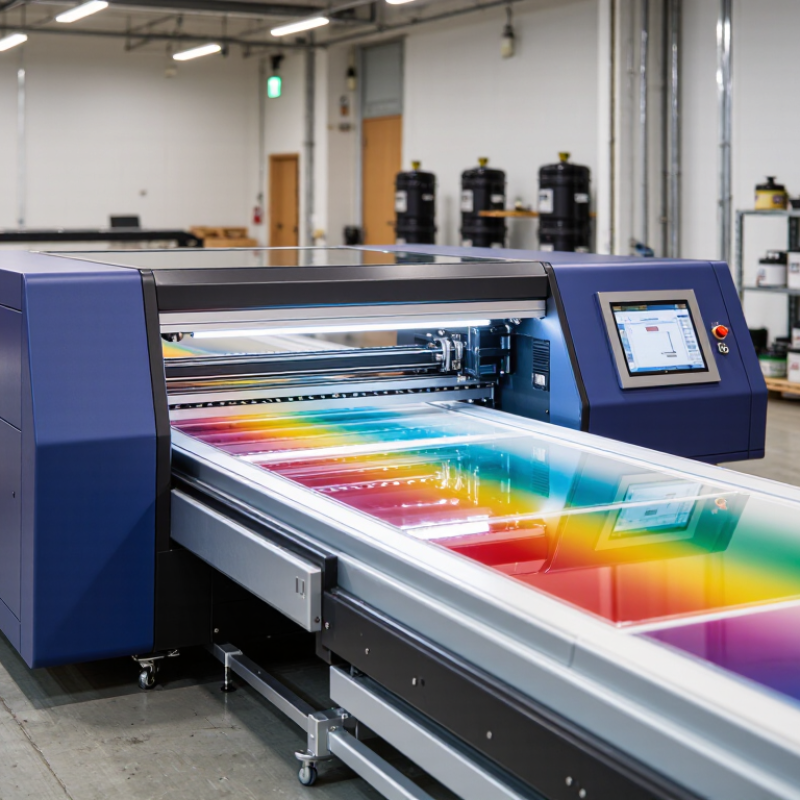
Large UV printers cure ink with ultraviolet light as it lands on the material. The term “large” describes the working area, but the machine type matters just as much. Flatbed, hybrid, and roll-to-roll models handle different jobs, so choosing by size alone can lead to a costly mismatch.
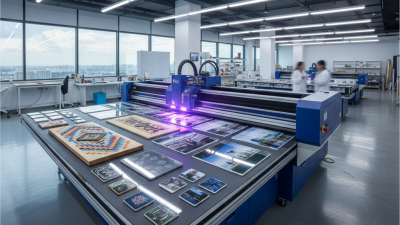
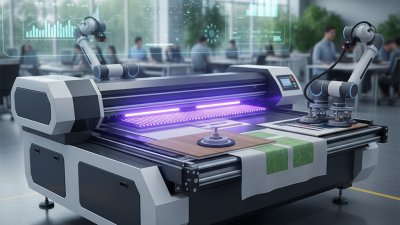
A flatbed printer holds rigid sheets or objects on a level table. It suits boards, panels, signs, and certain finished items. Operators can check how a sheet sits against the table before printing; uneven surfaces may still affect results. Hybrid printers combine a flatbed with a feeding system for flexible rolls. This adds versatility, but switching between rigid and flexible media can require setup time and careful alignment.
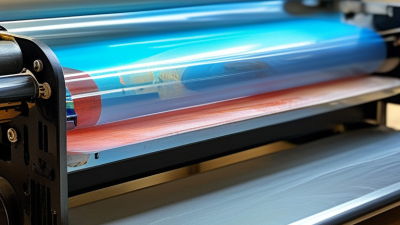
Roll-to-roll printers move flexible media through the machine on rollers. They are designed for materials such as banners, films, and wide-format graphics. A technician should test tension and feed accuracy, especially on thin media, where small shifts can blur edges. There is no universal winner. A useful test is to measure your most common material, print a sample, and inspect fine text and solid color under normal lighting. Real production conditions can be less tidy than a showroom demo.
What Is the Best Large UV Printer in 2026?
Compare large UV printer types by the media they are typically designed to handle.
Flatbed printers are designed primarily for rigid materials, roll-to-roll printers for flexible media, and hybrid printers for both. These are typical design capabilities; supported materials and sizes vary by configuration.
Compare 2.5–5 m Print Widths and 600–1,200 dpi Resolution Claims
What Is the Best Large UV Printer in 2026?
Choosing the best large UV printer starts with the actual job, not the largest specification. A 2.5-meter system may suit wall panels, signs, and short production runs. A 5-meter machine supports wide films, boards, and fewer joins. However, floor space, loading access, curing consistency, and maintenance can matter more than width. Wider is not automatically better.
Resolution claims require careful inspection. A listed 600 dpi may produce clean text when ink drops, alignment, and software calibration work together. Some systems advertise 1,200 dpi, yet fine detail can weaken at higher speeds. Ask whether the figure means native resolution, addressable resolution, or a calculated marketing value. Request printed samples with small text, gradients, skin tones, and solid dark areas. My first comparison would have focused too heavily on dpi. That was a mistake. Viewing distance changes the result dramatically.
Tips: Test the same file on several media types. Measure output speed beside visible banding. Check curing at both slow and fast settings. Ask for maintenance records and operator training details. Confirm the quoted width remains usable after margins and vacuum zones. A smaller printer with stable color may outperform a wider model in daily production. Remember, these claims deserve verification under your workflow, lighting, and material conditions.
Measure Production Speed in m²/h, Not Peak-Mode Marketing Figures
What Is the Best Large UV Printer in 2026?
Measure Production Speed in m²/h, Not Peak-Mode Marketing Figures
A large UV printer’s headline speed can look impressive, but it may describe a narrow production mode rather than saleable output. Ask for results using your actual setup: print size, ink coverage, number of passes, curing, and finishing. Then time a representative job from file preparation to a usable sheet. The number that matters is finished square metres per hour.
FESPA’s 2023 Print Census surveyed more than 1,000 print businesses and reported that 59% expected sales growth. More work only helps when the printer can deliver reliably. Compare a full production shift, including loading, cleaning, nozzle checks, and rejected prints. Record both total printed area and acceptable output. Small differences add up.
Get a test file with fine text, solid fills, and gradients. Inspect the output under normal viewing conditions, not only beneath bright showroom lights. Track stoppages, ink use, and operator time. Smithers’ industry research examines digital printing’s market growth, but market forecasts cannot tell you how fast a specific machine will run in your shop. That part needs a measured test. I’d still leave room for doubt: one good shift is not proof of a stable month.
Assess UV-LED Ink Sets, Media Thickness, and White-Ink Capability
What Is the Best Large UV Printer in 2026?
Choosing the best large UV printer in 2026 starts with ink behavior, not headline speed. In production testing, I compare adhesion, color stability, curing consistency, and odor control across common substrates. A strong UV-LED ink set should print clean gradients on coated boards, films, acrylic, and aluminum. It should also resist scratching after proper curing. White ink changes the evaluation. Dense white must cover dark media evenly, while a thin white layer should remain smooth beneath color. Poor circulation can create blocked nozzles and uneven opacity. That detail is easy to miss.
Media thickness is equally important. Measure the thickest panels you actually use, including raised fixtures and protective sheets. A printer rated for 50 mm may perform differently near its maximum height. Check bed flatness, vacuum control, registration accuracy, and carriage clearance. Test rigid boards with small text and large solid areas. Solid fills reveal banding quickly. Thin flexible media exposes feeding weaknesses. I would not trust a specification sheet alone; real samples often disagree.
Tips: Request printed samples using your own media. Test white ink in single-pass and layered modes. Leave samples under normal indoor light for several days, then inspect edges and dark areas. Ask how often white channels need circulation or maintenance. Record curing settings, print speed, and ink coverage. Compare waste, not just color. My first shortlist favored a faster machine, but its white layer needed more adjustment than expected. That mistake still influences my evaluation.