
What to Inspect BEFORE You Buy a new UV Flatbed Printer: A Checklist
While buying a new UV flatbed printer removes the risks of previous neglect (clogged heads or worn parts), the inspection process shifts toward factory quality control, future-proofing, and site readiness.
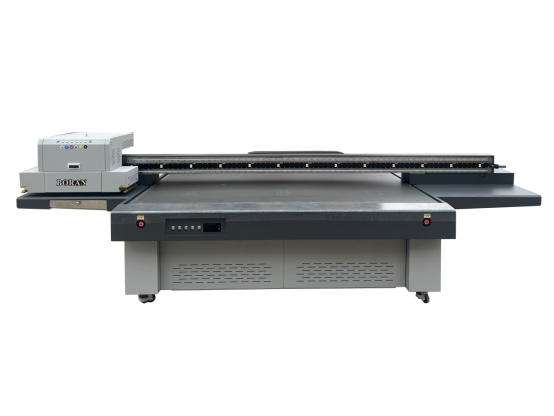
Here is your checklist for inspecting a brand-new unit before it leaves the factory or immediately upon installation.
1. Build Quality & "Industrial" Integrity
Not all "new" printers are built equal. Some are "modified" desktop printers, while others are purpose-built industrial machines.
Chassis Construction: Ensure the frame is made of heavy-duty steel or aluminum composites rather than plastic. A heavy chassis minimizes vibrations that cause "ghosting" in prints.
Component Brands: Verify the brands of the critical parts. High-quality machines typically use:
Linear Rails: THK or HIWIN.
Motors: Leadshine or Panasonic servos.
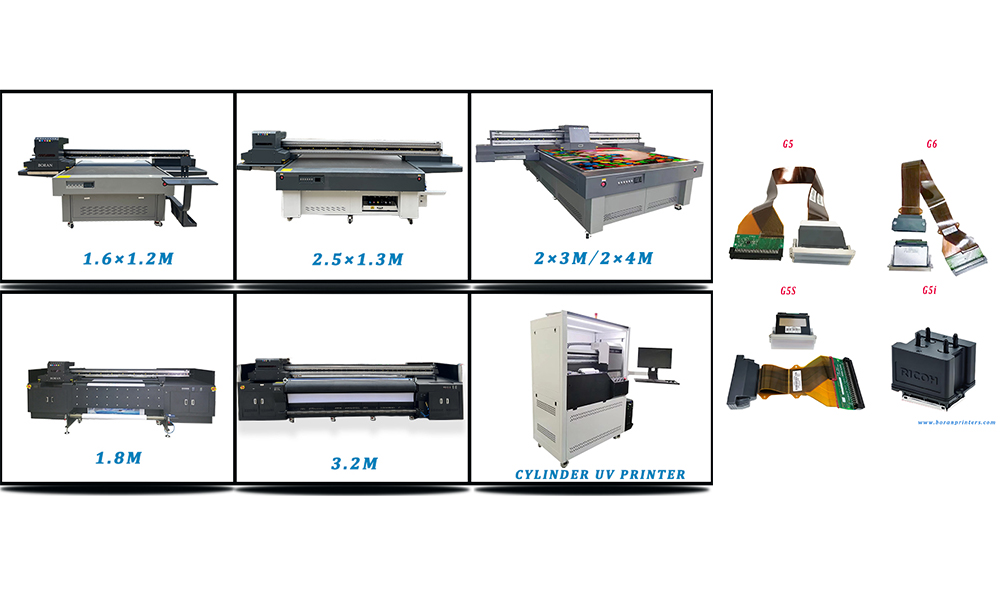
Printheads: Ricoh (Gen5/Gen6), Kyocera, or Epson (i3200-U1).
Safety Features: Check for emergency stop buttons, UV-shielded covers, and "anti-collision" sensors on the printhead carriage to prevent head strikes.
2. The "Pre-Shipment" Calibration Tests
If you are visiting a showroom or factory, demand these three specific tests.
The Diagonal Square Test: Print a large rectangle (e.g., $1000mm \times 1000mm$). Measure the diagonals. If they aren't identical to the millimeter, the gantry is not "square," and you will never be able to do accurate double-sided printing.
The "Gray" Challenge: Ask to print a large area of solid neutral gray.
Why? Gray is the hardest color for a Uv Printer to produce without "banding" or color shifts. If it can print a smooth gray, the ink-drop firing is perfectly calibrated.
The Repeatability Test: Print a high-detail image, then print it again directly on top of the first. If there is even a $0.1mm$ shift, the stepper motors or belts are low-quality.
3. Ink System & White Ink Management
Uv Ink—especially white—is prone to settling and clogging.
White Ink Circulation: Confirm the machine has an active circulation system (not just "shaking"). It should move ink from the tank all the way through the lines to the sub-tank.
Negative Pressure System: Ensure the machine uses a stable negative pressure system to control ink flow. This prevents ink "dripping" from the heads during temperature changes.
Auto-Cleaning Cycles: Check if the software allows for scheduled "flash-spraying" or cleaning cycles so the heads don't dry out during standby.
4. Technical Specs & Versatility
Z-Axis Height: Don't just take the "max height" at face value. Test the automatic height sensor with a dark or transparent object; some sensors fail on reflective or clear materials.
Vacuum Bed Zones: Check if the bed is divided into zones. This allows you to focus suction on small items without having to tape off the rest of the bed.
DPI vs. Speed: Ask for the "Production Speed" at 720 x 1200 DPI. Manufacturers often quote "Draft Speed," which is usually too low-quality for paying customers.
5. Facility & Setup Requirements
A new printer will fail quickly if your shop isn't ready.
Climate Control: Uv Printers require a stable environment, typically20–25°C (68–77°F) and 40–60% humidity.
Power Stability: Most industrial flatbeds require a Voltage Regulator or a dedicated grounded line. Static electricity is the #1 killer of UV printheads.
Floor Leveling: The floor must be able to support the weight (often 500kg+) without vibrating or dipping.
6. Support & Software (The "Invisible" Essentials)
RIP Software: Confirm which software is included (e.g., Photoprint,Maintop ,Onyx, Printfactory etc.). Ensure you get the "Dongle" or permanent license key.
The "Wear & Tear" Kit: A new printer should come with a starter kit: extra wipers, capping stations, filters, and cleaning swabs.
Training & Warranty: * Is the warranty "Parts Only" or "On-site Labor"?
Does the warranty cover the Printheads? (Nomorally manufacturers do not cover printheads under warranty once ink has touched them).
Final Check: The Adhesion Test
Even on a new machine, the UV lamps might not be matched to the ink.
1. Print a solid block on your most common material (Acrylic, Metal, etc.).
2. Wait 5 minutes.
3. Perform a Cross-Hatch Test: Use a knife to score a grid, apply heavy-duty tape, and rip it off.
4. If the ink stays on the board, the machine is ready for production.
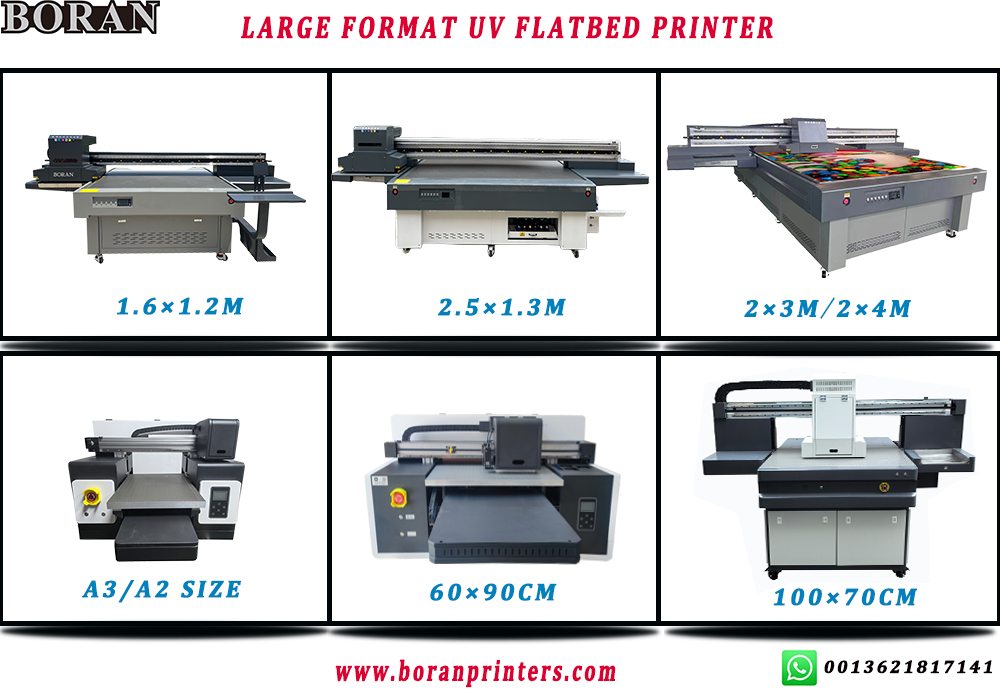
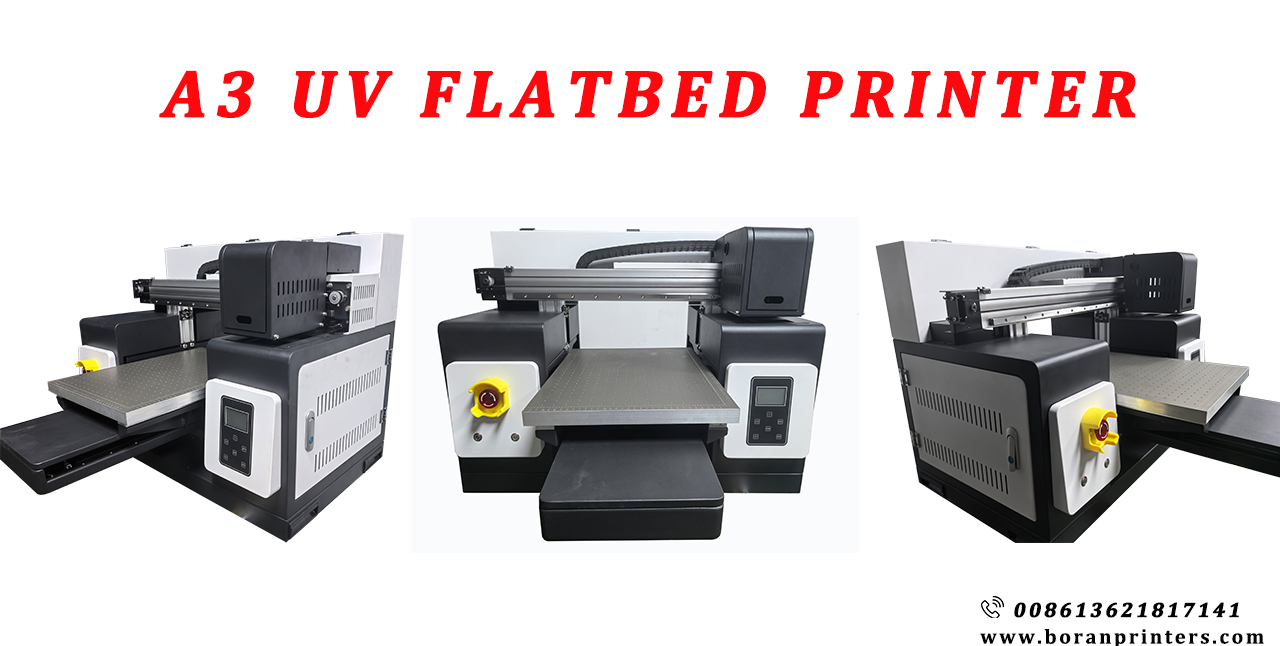
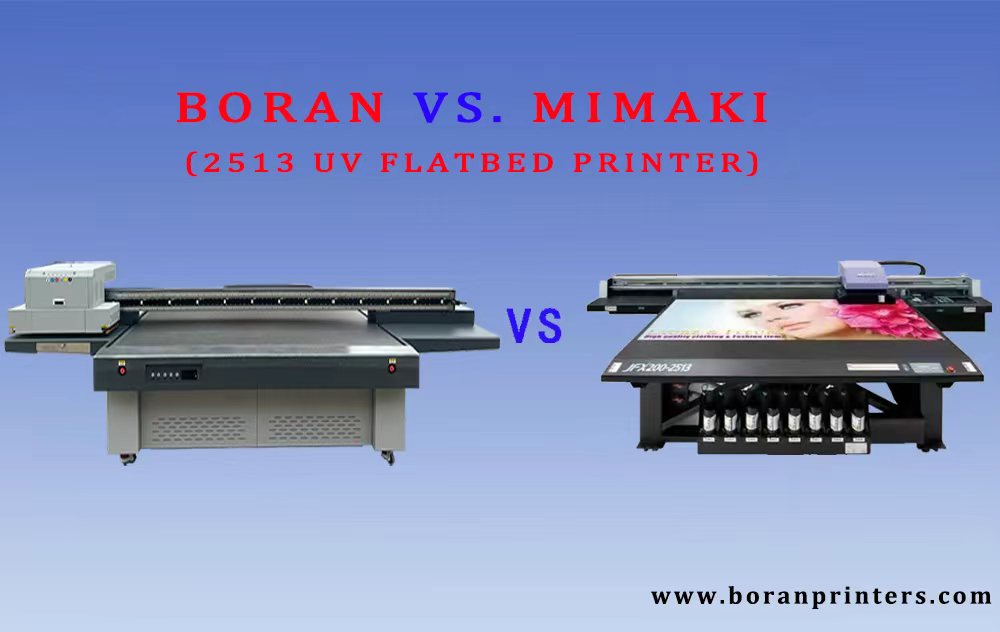
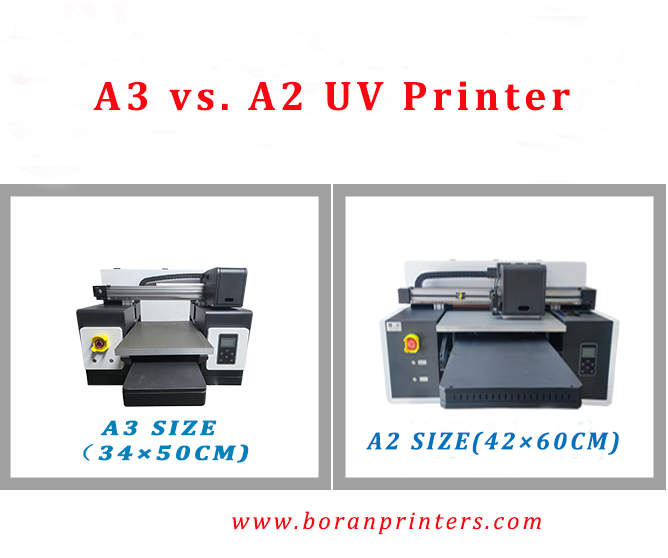
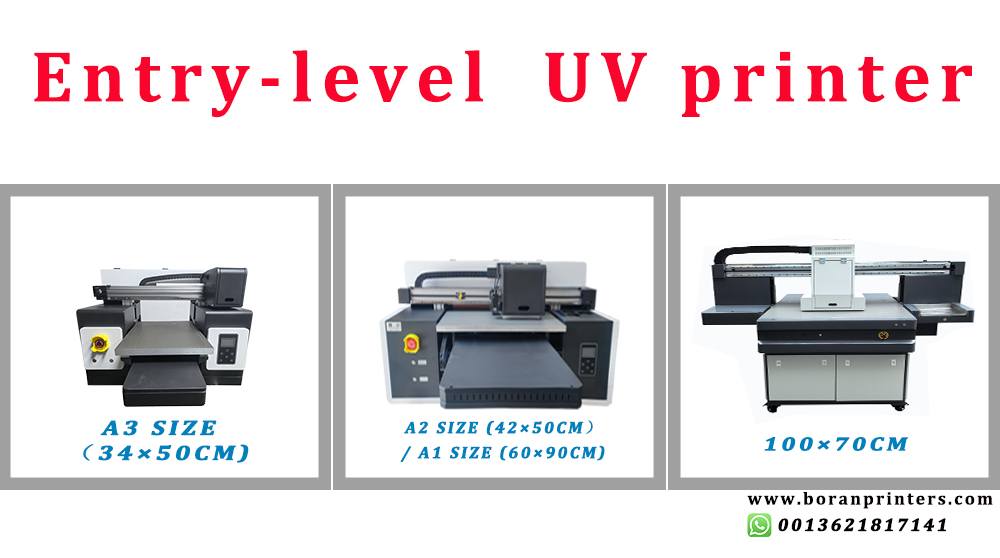
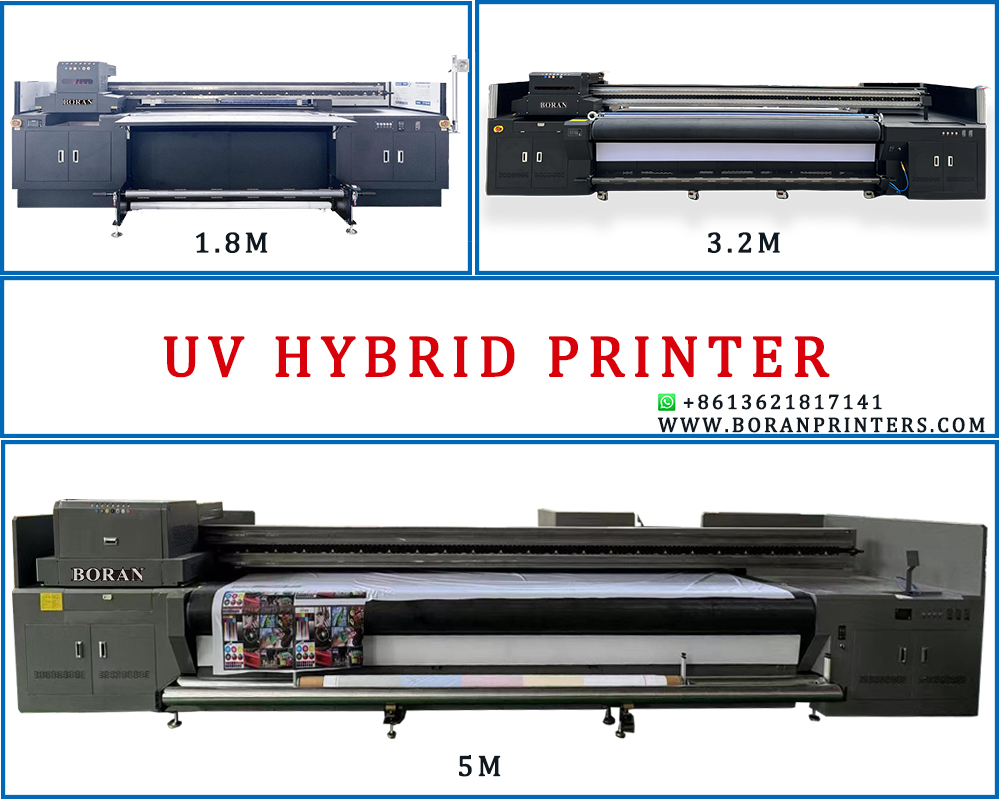
We BORAN can supply you different sizes of UV flatbed printing machine,such as A3 UV printer, A2 UV printer, A1 uv printer, uv printer 9060, 2513 uv printer,3220 UV printer etc. More details, please visit our website: https://site_7ba8f8cb-fff6-4782-b92e-dd7c504e45dc/products/
Would you like me to help you compare the specs of our different UV flatbed printers if you have need? If yes, feel free to contact us.