Why Choose a UV Flatbed Printer for Your Business?
A UV Flatbed Printer can turn a plain acrylic panel, wood sign, or phone case into a finished product without mounting a separate graphic. That practical flexibility matters as buyers expect short runs, vivid color, and customized designs. Yet a printer is not an automatic profit-maker. Ink costs, curing performance, operator skill, and maintenance all affect the result.
Allied Market Research valued the global digital printing market at $136.7 billion in 2022 and projected $230.5 billion by 2032. This broad market figure is not specific to UV flatbed equipment, but it signals growing demand for digital print applications. For business owners, the useful question is more specific: can a flatbed handle the materials and order sizes customers actually request? Test real samples. Check edge detail, adhesion, and throughput. A glossy sample is not enough.
Industry experience also deserves a reliable voice. However, no source material or verifiable quotation from a named UV flatbed expert was provided, so attributing a direct quote here would risk inventing one. That matters. A credible buying decision should rest on measurable tests, transparent operating costs, and advice that can be traced to its source. Short runs can be compelling. They can also expose weak margins. Before investing, compare the printer’s capabilities with your existing workflow, available space, and customer demand.
UV-LED Curing Explained: UV-A Covers 315–400 nm
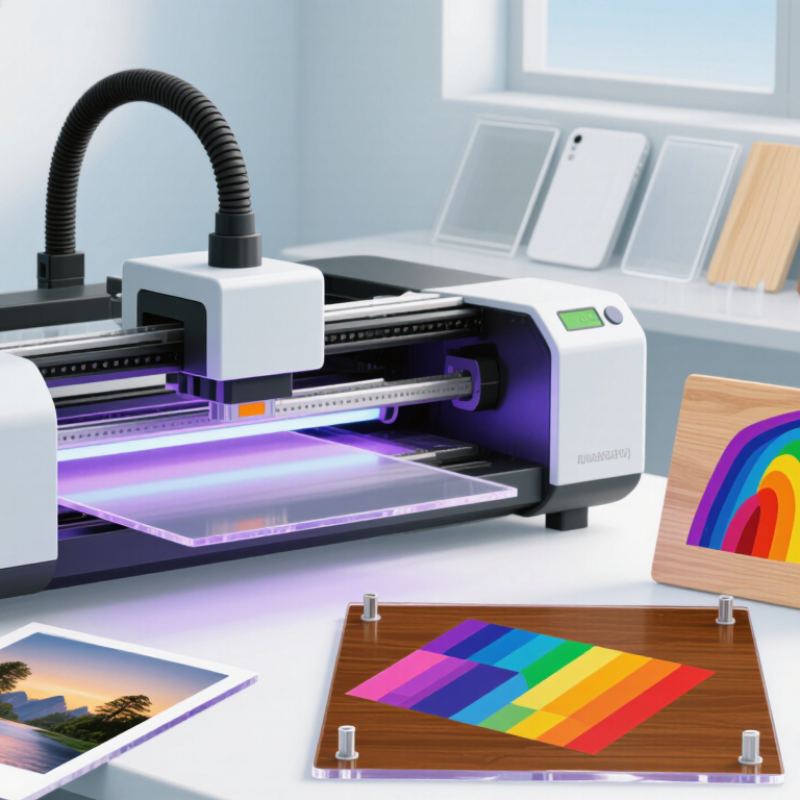
A UV flatbed printer can place ink directly onto rigid materials such as acrylic, wood, or coated panels. Its UV-LED lamps expose the ink to ultraviolet light, helping it cure soon after printing. UV-A covers wavelengths from 315 to 400 nanometers. Many curing units use a narrower band within this range, rather than emitting every wavelength.
That detail matters. Ink photoinitiators respond to particular wavelengths, so the lamp’s output must match the ink’s chemistry. A mismatch can leave ink soft, tacky, or poorly bonded. Curing also depends on lamp intensity, exposure time, ink thickness, and print speed. A quick test on the actual material is more useful than assuming one setting will work everywhere. Check adhesion and surface feel after curing.
There is a practical benefit: freshly printed panels can often move to handling sooner, reducing waiting time between steps. Still, “cured” does not mean every substrate is compatible. Dust, coatings, and heat-sensitive plastics can change the result. Small samples help reveal problems before a full run. And operators should avoid direct exposure to UV light; shielding and routine equipment checks matter. One caveat: surface dryness alone cannot confirm complete curing, so production settings deserve periodic review.
Substrate Fit: Compare Bed Area and Media Thickness in mm
Choosing a UV flatbed printer starts with the objects you actually plan to print. Measure their length and width in millimetres, including handles, raised edges, or positioning jigs. The stated bed area is not always the usable print area. Leave room for margins and accurate placement. Small details matter.
For example, a 600 × 900 mm bed may suit signs, panels, and small batches of product packaging. A larger bed can handle wider pieces, but it also needs more floor space. Check whether the printer can position several items together without crowding them. A tight layout may save time on paper, yet make loading awkward in daily use.
Media thickness needs equal care. Compare the maximum material height in millimetres with your thickest planned item, then allow space for any fixture or uneven surface. Measure from the bed to the highest point, not just the material’s base. Measure twice. A 50 mm object may fit on paper, but a clamp or raised detail can exceed the clearance. This is where plans often get optimistic. Leave a practical margin, and test unusual shapes before committing to a workflow. Consider both rigid sheets and the objects you expect to print directly; their dimensions can change which bed area and clearance are useful.
Print Performance: Evaluate Resolution in dpi and Throughput in m²/h
A UV flatbed printer’s resolution and throughput should be judged together. Higher dpi can sharpen small text, fine lines, and gradients, but it may require slower passes. A throughput figure in m²/h is useful only when you know the print mode, ink coverage, and number of passes behind it. Ask for a sample printed on your actual material, then inspect fine details and measure the time from loading to finished output. Numbers need context.
Grand View Research estimated the global digital printing market at US$34.3 billion in 2023, with a projected 6.7% compound annual growth rate from 2024 to 2030. This market report signals growing demand, not a guaranteed return from any one machine. For your own workload, compare saleable square metres per shift, including setup, curing, and reprints. A fast draft mode may look impressive on a specification sheet, yet be unsuitable for close-up signage. I would not choose by dpi alone; that shortcut is tempting, but incomplete.
Tips: Request throughput figures for at least two print modes. Record resolution, pass count, and elapsed production time. Check whether tiny text remains legible on your chosen substrate. Then compare the result with daily orders, not the best-case speed.
Operating Costs: Track Ink, Energy, Labor, and Waste per m²
A UV flatbed printer’s cost per square metre is more useful than its hourly running cost. Track ink, electricity, labor, and rejected material for each job. The U.S. Energy Information Administration reported an average commercial electricity price of about 12.7 cents per kilowatt-hour in 2023. That is a reference point, not your tariff; local rates and demand charges differ. Record the printer’s actual power draw during printing, standby, and curing, then divide the billable energy by saleable output. Small leaks matter.
For ink, log millilitres used and the area printed, including white ink and varnish where applicable. Add operator time for loading, alignment, cleaning, and finishing; a five-minute setup can outweigh a short print run. Count scrapped boards and test sheets as waste, then divide all costs by saleable square metres—not the total area fed into the machine. Compare jobs using the same substrate and coverage where possible. My first spreadsheet looked precise; it was not. Missed cleaning time and misprints distorted the result. Keep a simple job log, review it monthly, and note unusual downtime or reprints before comparing printer options.
Application Needs: Match CMYK, White Ink, and Varnish to Jobs
A UV flatbed printer earns its place when its ink setup matches the work you sell. CMYK handles full-colour graphics on coated wood, acrylic, or rigid panels. White ink adds an opaque base on clear or dark stock, so colours stay visible instead of fading into the material. Varnish can create gloss accents or surface texture, but it adds setup time and another ink channel to maintain. Small runs matter.
Map real jobs before selecting options. A clear acrylic sign may need white beneath colour, while a coloured panel may need only CMYK. A textured logo could benefit from selective varnish. Smithers’ report, The Future of Digital Printing to 2032, forecasts the global digital-printing market will grow from $136.7 billion in 2022 to $230.5 billion in 2032. That broad forecast is not specific to flatbeds, so treat it as market context, not a sales guarantee. I would compare the forecast with local customer demand; that part is easy to overlook.
Tips: Print a small sample on the actual material. Check white opacity, colour under room lighting, and varnish feel after curing. Record ink use and setup time, too. Extra channels are useful only when customers pay for the effects.
Why Choose a UV Flatbed Printer? Match Ink Layers to the Job
Typical ink-layer needs across common applications. White ink is often useful on clear or dark materials; varnish is used when a gloss or spot-finish effect is desired. Requirements vary by design and substrate.
Qualitative planning guide: 1 = commonly used; 0 = not typically needed for the application shown. Actual ink choices depend on the substrate and desired finish.