Why Choose an A2 UV Printer for Your Business?
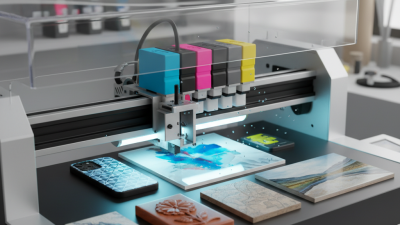
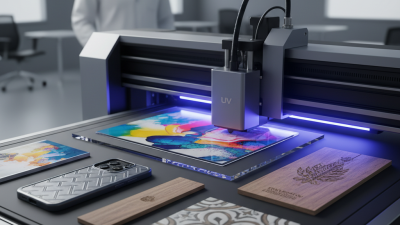
Choosing an A2 Uv Printer can change how a small business approaches customized production. This equipment supports direct printing on materials such as acrylic, wood, glass, metal-coated panels, and rigid plastic. A2 refers to a practical print size, large enough for signs, packaging samples, décor, and promotional products. The printer cures ink with ultraviolet light, creating sharp graphics with less drying time. That can reduce handling delays in a busy workshop.
However, speed alone should not decide the purchase. A capable A2 Uv Printer should offer stable color control, accurate registration, dependable printhead movement, and software that operators can learn quickly. Daily details matter. A clean platen, correct material settings, and regular nozzle checks can protect output quality. Small habits matter.
Experienced operators also examine ink adhesion before accepting customer orders. Different surfaces may require primers, coatings, or surface testing. Results can vary between suppliers and materials. This is where manufacturer guidance, technical support, and documented maintenance procedures become valuable. A printer may look impressive during a demonstration, yet real production can reveal unexpected limitations.
Business owners should compare operating costs, service access, warranty terms, ventilation requirements, and staff training. The cheapest machine may not be the least expensive over twelve months. It is also worth reviewing expected order volume and product size before investing. Careful testing may feel slower, but it exposes weaknesses early. For businesses seeking flexible, professional printing, the right A2 Uv Printer can support growth, provided its capabilities match real production needs.
What Is an A2 UV Printer and How Does It Work?
Why Choose an A2 UV Printer for Your Business?
What Is an A2 UV Printer and How Does It Work?
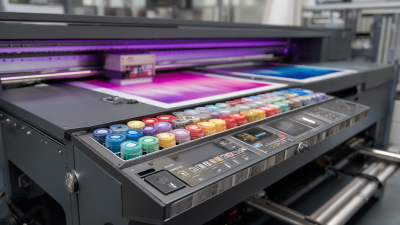
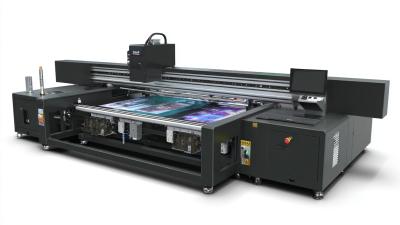
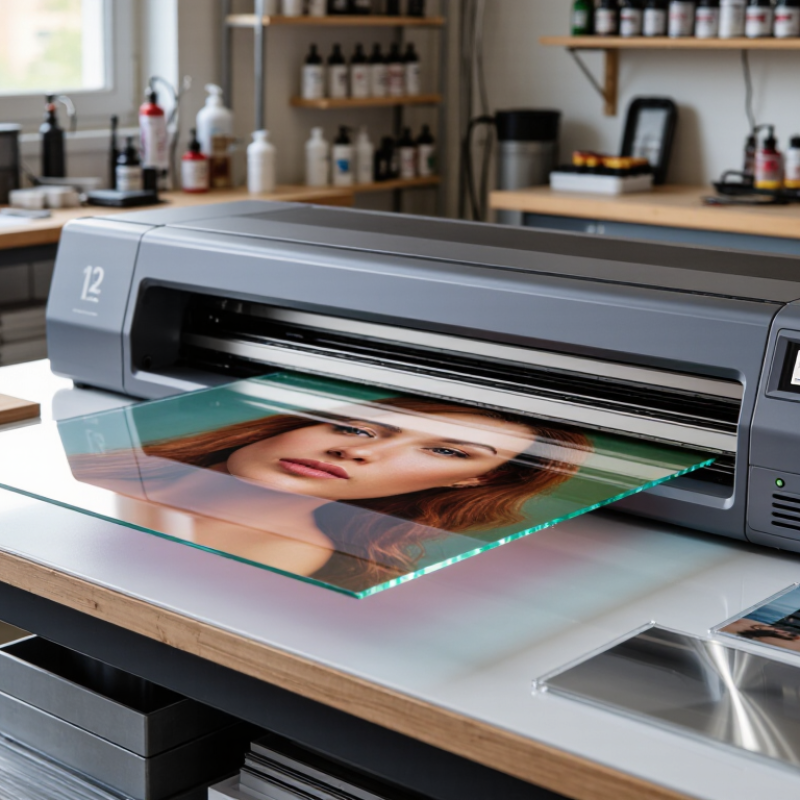
An A2 UV printer prints directly onto rigid sheets up to 420 × 594 millimeters. It uses piezoelectric printheads to place microscopic ink droplets across the surface. UV-LED lamps cure each layer almost immediately. The result feels dry as soon as printing ends.
Many systems support CMYK, white ink, and clear varnish. White ink helps create visible graphics on dark acrylic, wood, glass, or coated metal. Varnish can add selective gloss, although alignment needs careful testing. A slightly uneven surface may cause banding or weak adhesion. That part is easy to underestimate.
The process is digital, so artwork changes do not require plates or screens. This suits short runs, samples, personalized signs, phone cases, and small packaging prototypes. Smithers reported that the global digital packaging print market exceeded 20 billion dollars in 2023, showing why flexible production matters. Grand View Research also identified digital printing as a growing industrial market through the decade. These figures cover wider digital printing, not A2 UV machines alone. That distinction matters.
In daily production, operators still adjust height, curing power, and ink density. Dust can damage fine details. Some materials need surface treatment or adhesion tests. The printer is fast, but preparation remains a human job. Calibration is never truly finished.
Why Choose an A2 UV Printer for Your Business? - What Is an A2 UV Printer and How Does It Work?
| Data Dimension |
General Fact |
Business Relevance |
| A2 format size |
420 × 594 mm, or approximately 16.5 × 23.4 inches |
Suitable for posters, artwork, signage, packaging prototypes, and promotional displays. |
| Approximate A2 sheet area |
0.249 m², calculated from the standard A2 dimensions |
Provides a larger working area than A3 while requiring less floor space than many larger-format systems. |
| Printing process |
Inkjet printheads deposit UV-curable ink directly onto the selected surface. |
Enables direct printing without traditional transfer media for many applications. |
| Ink curing method |
UV light polymerizes and hardens the ink during or immediately after printing. |
Printed items generally require little or no drying time before handling. |
| Compatible media |
Depending on the machine, UV printers can support coated or uncoated rigid and flexible materials such as acrylic, PVC, wood, glass, metal, paper, film, and leather. |
Broad material compatibility can support customized products and short-run work. |
| White ink capability |
Some A2 UV printers offer white ink as an additional channel; availability depends on the configuration. |
White ink can improve visibility on dark or transparent substrates and may enable underlayers or highlights. |
| Surface finish |
UV ink forms a cured layer on the surface; gloss, texture, and durability depend on the ink, substrate, and curing settings. |
Can create visually distinctive products, but testing is recommended for each material and end use. |
| Print resolution |
Resolution is model-dependent and is commonly specified in dots per inch (dpi); the selected print mode affects detail and speed. |
Businesses can balance image detail, production time, and ink usage according to the job. |
| Production flexibility |
Digital printing does not require plates or screens, allowing artwork to be changed from one job to the next. |
Useful for personalized products, prototypes, samples, and short production runs. |
| Setup requirements |
The printer requires a stable, level workspace, suitable ventilation, regular maintenance, and correct media handling. |
Proper installation and maintenance help protect print quality and equipment reliability. |
| Key selection criteria |
Check printable area, maximum media thickness, ink configuration, print modes, software compatibility, maintenance needs, and safety requirements. |
Matching the machine specifications to actual products helps avoid capacity, quality, and workflow problems. |
Note: A2 describes the nominal media format. The usable printable area, supported substrate thickness, available ink channels, speed, resolution, and durability vary by printer configuration and material.
Which Materials Can an A2 UV Printer Print On?
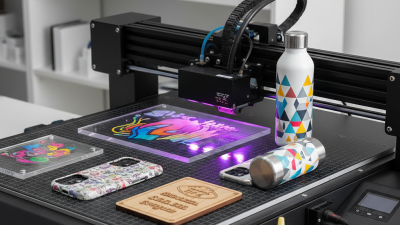
An A2 UV printer earns its value through material range, not paper speed alone. In practical shop testing, it can print on coated and uncoated paper, cardstock, acrylic, PVC, PET, foam board, wood, glass, ceramic, aluminum, and synthetic leather. UV-curable ink hardens under ultraviolet light, leaving a dry surface immediately. This suits short-run signs, packaging mock-ups, menus, rigid panels, and personalized displays.
FESPA’s 2023 Print Census found that 72% of print businesses expected digital print volumes to increase, supporting demand for adaptable equipment.
Material range
Coated and uncoated paper · Cardstock · Acrylic · PVC · PET · Foam board · Wood · Glass · Ceramic · Aluminum · Synthetic leather
Surface preparation decides whether the result survives handling. Smooth acrylic usually produces sharp lettering, while textured wood can soften fine details. Glass and glazed ceramic may need a suitable primer. Metal requires cleaning and an adhesion test before production. Flexible films need careful curing settings, because excessive curing may make the ink layer brittle.
Scratch it after curing, then check adhesion the next day.
Skipping that waiting period can create an expensive surprise.
Smithers’ digital packaging print research has forecast double-digit annual growth through 2028, driven partly by shorter runs and customized versions. That trend supports A2 UV printing for prototypes and local production.
Still, “prints on almost anything” is an imperfect promise. Oily, dusty, heat-sensitive, or heavily textured materials may fail. An attractive sample can lose adhesion after folding. Material specifications, printer profiles, ventilation, and operator skill remain essential. Test before assuming.
What Business Benefits Does an A2 UV Printer Offer?
Why Choose an A2 UV Printer for Your Business?
An A2 UV printer can turn customer artwork into finished products within a compact workspace. Its 420 x 594 mm print area suits signs, packaging samples, panels, invitations, and promotional items. UV-curable ink dries immediately under curing lamps. This reduces waiting time between printing, handling, and delivery. For small businesses, that speed can improve order flow without expanding the production team.
The printer can work with materials such as acrylic, wood, coated metal, glass, leather, and selected plastics. Operators can test different surfaces before accepting large orders. This flexibility supports personalized products and short production runs. It also reduces dependence on pre-printed inventory, which may lower storage costs. The workflow feels practical. A clean print bed, stable calibration, and regular nozzle checks remain essential for consistent results.
An A2 model may also help businesses produce samples in-house. Designers can inspect color, texture, and placement before approving a final batch. That experience can prevent expensive rework. However, early cost estimates can be wrong when maintenance, ink usage, ventilation, and staff training are ignored. Not every job fits. Thick materials may require careful height adjustment, and uneven surfaces can reduce image quality. A responsible operator should record curing settings, test unfamiliar media, and review actual profit after several orders. That evidence is more reliable than optimistic machine specifications.
How Much Does an A2 UV Printer Cost to Operate?
Why Choose an A2 UV Printer for Your Business?
How Much Does an A2 UV Printer Cost to Operate?
Choosing an A2 UV printer can make short-run production more flexible. However, the purchase price is only one part of the decision. Real operating costs include ink, electricity, media, maintenance, labor, and rejected prints. Ink is not cheap. A typical job may use several milliliters, depending on image coverage, white ink, and varnish. Dark, layered designs usually consume more.
For a clearer estimate, record every print for one month. A small shop might spend $0.80 to $2.50 on ink for one A2-sized print. Electricity may add only a few cents per sheet, while premium media can cost much more. Cleaning fluid, gloves, and replacement parts also deserve a line in the spreadsheet. Waste changes everything. A clogged nozzle or incorrect color profile can turn a profitable order into a loss.
My first cost estimate was too optimistic because I ignored setup time. Loading boards, checking alignment, and cleaning the printhead can take several minutes per job. That labor matters when orders are small. Regular maintenance reduces sudden downtime, but it still creates a recurring expense. A sensible calculation should include the printer’s expected service life and monthly output. Divide total monthly costs by usable prints, not printed sheets. This distinction is easy to miss. It also gives a more honest price for each finished product.
Why Choose an A2 UV Printer for Your Business?
How Much Does an A2 UV Printer Cost to Operate?
This planning estimate shows how monthly operating costs can change with print volume.
The calculation assumes UV ink consumption of approximately 10 ml per square metre at
$24 per litre, media cost of $3.50 per square metre, and typical allowances for electricity
and routine maintenance. Higher production volumes reduce the average operating cost per square metre
because fixed maintenance expenses are spread across more output.