How to Choose a UV Printer for Wood Projects?
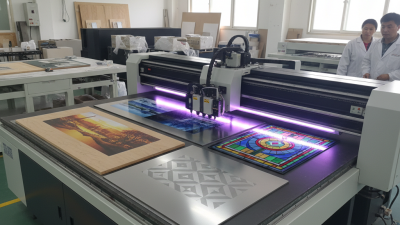
Choosing the right UV printer for wood projects can be challenging. A UV printer for wood offers unique capabilities. It allows vibrant colors and detailed designs on wooden surfaces. However, not all printers are equal. Some models may struggle with thicker woods. Others might not yield the required precision.
Understanding specific needs is also crucial. Will you print large signs or small crafts? This affects your printer choice. Moreover, consider the ink quality, as it determines durability. You want prints that stand the test of time.
Price is another consideration. Budget options exist but may lack advanced features. Evaluate how often you plan to use the printer. Sometimes, cheaper models might require frequent replacements, leading to higher costs. It's essential to reflect on these aspects before making a decision.
Understanding UV Printers: Key Features for Wood Printing
When choosing a UV printer for wood projects, understanding key features is crucial.
Consider the print resolution. Higher resolution gives sharper images. This is important for detailed designs. Check the maximum print size as well. Some printers handle larger surfaces than others. Think about your typical project sizes.
Another aspect is the curing technology. Different UV printers use various methods to cure the ink. Fast curing helps enhance productivity. However, some methods may affect wood surfaces. Look for options that suit your needs.
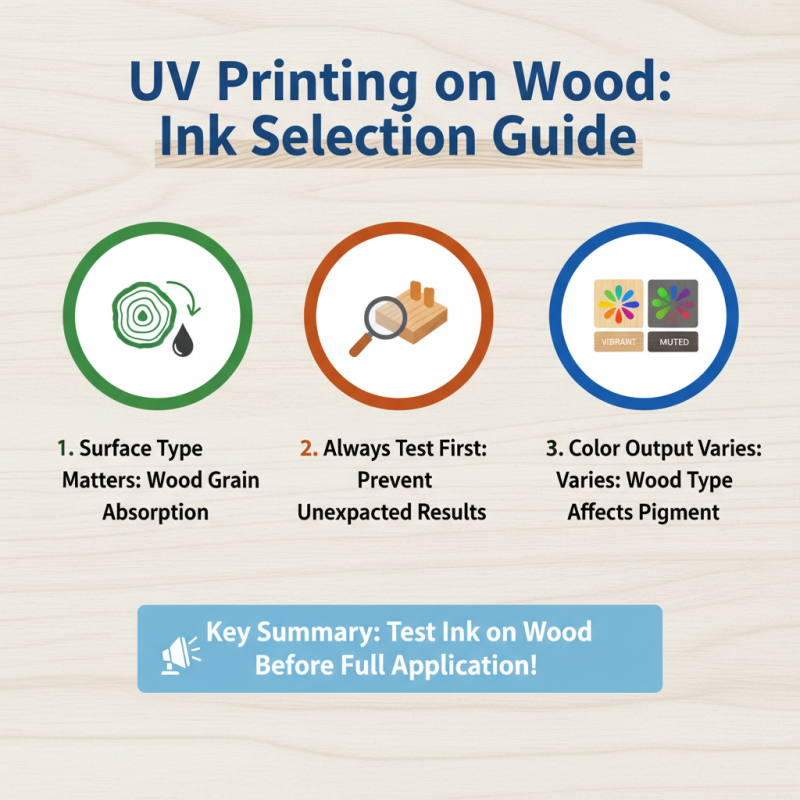
Don't forget to evaluate the ink adhesion. Good adhesion prevents peeling and fading. Test different inks to find the best compatibility with your wood types.
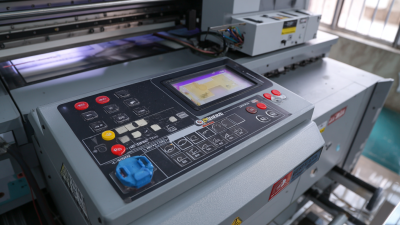
Finally, assess the user interface. Some printers are complex and demand technical skills. Simpler models may be easier to use, especially for beginners. However, they might lack advanced features. This trade-off can be challenging. A printer's software is equally important. It should allow easy design adjustments. Evaluate how well it integrates with your work process to avoid frustration.
Evaluating Print Quality and Speed for Your Wood Projects
When evaluating print quality for UV printers, consider color accuracy. Vibrant colors enhance wood projects. You want the printer to reproduce colors true to life. Test samples when possible. Look for printers with high resolution. Typically, 1200 dpi is a sweet spot. A higher resolution means better details on wood grain or textures.
Print speed also matters. Faster speeds can boost productivity but may affect quality. It’s a balancing act. If the printer rushes, colors might blur or details get lost. Speed should not compromise the aesthetic of your project. Keep an eye on drying time as well. Slower drying can lead to smudges.
Choosing the right printer for wood projects requires careful consideration. Regularly review your results. Are prints meeting your expectations? Sometimes, adjustments are necessary. Experiment with speed and quality settings. A little trial and error can lead to better outcomes.
How to Choose a UV Printer for Wood Projects? - Evaluating Print Quality and Speed for Your Wood Projects
| Feature |
Description |
Value |
| Print Quality |
Resolution (DPI) |
1200 x 1200 |
| Print Speed |
Production Speed |
15 sq ft/hr |
| Ink Type |
UV-Curable Ink |
Yes |
| Media Compatibility |
Types of Wood |
Plywood, MDF, Solid Wood |
| Color Options |
Available Colors |
CMYK, White, Varnish |
| Software Compatibility |
Design Software |
Adobe Illustrator, CorelDRAW |
| User Interface |
Control Panel Type |
Touchscreen |
Cost Considerations: Budgeting for a UV Printer
When budgeting for a UV printer suitable for wood projects, several factors should be considered. The initial cost of a UV printer can range significantly. Entry-level models can start around $5,000, while high-end machines may exceed $50,000. An industry report from Smithers Pira states that investment in digital printing technologies is expected to grow at a rate of 6% annually. This rapid advancement often justifies a higher upfront cost.
In addition to the purchase price, ongoing expenses need attention. Ink costs can represent a hefty portion of the budget. It’s common for ink prices to fluctuate, impacting operation costs. Maintenance is another crucial factor. Neglecting regular upkeep can lead to costly repairs down the road. A maintenance service agreement can range from $1,200 to $3,000 per year, depending on usage and machine type.
Finally, consider potential return on investment (ROI). An efficient UV printer can enhance production quality and speed, directly affecting profitability. However, ensuring a continuous flow of projects is necessary to validate this significant investment. Analyze your current workload and projected demand before making your decision. These various elements can make the budgeting process a delicate balancing act.
Cost Considerations for UV Printers in Wood Projects
Maintenance and Support: Ensuring Longevity of Your Printer
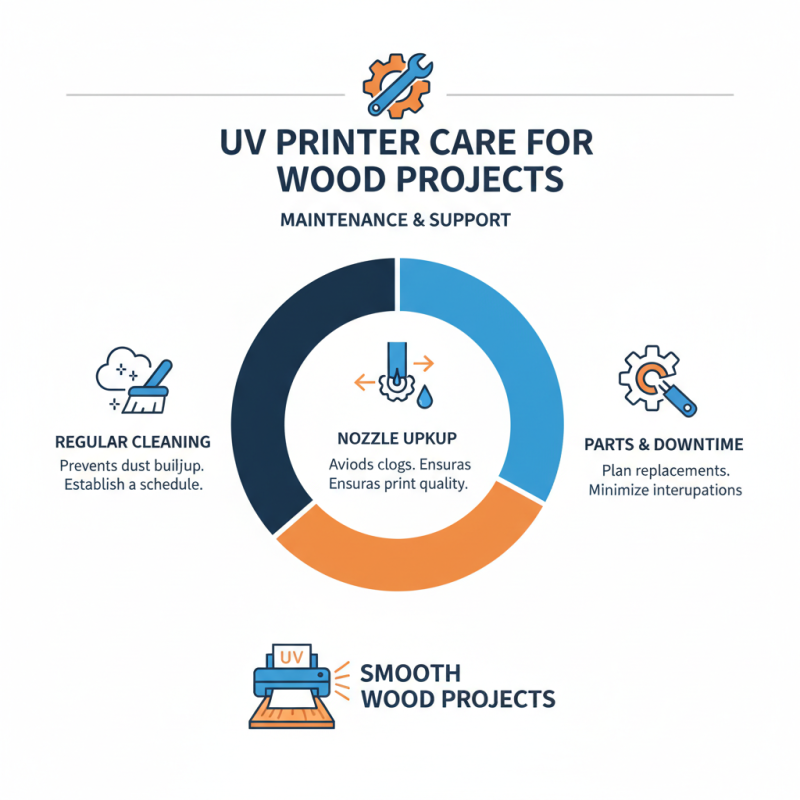
When selecting a UV printer for wood projects, maintenance and support play crucial roles. Regular upkeep ensures the printer remains functional and efficient. Dust can accumulate in various parts. Clogged nozzles may lead to poor print quality. It's essential to develop a cleaning schedule. Even with routine care, some printers might require part replacements. This can lead to unexpected downtime.
Look for manufacturers that offer comprehensive support. A responsive customer service team can assist with troubleshooting. They should provide guidance on common issues. Access to online resources is a plus. Manuals and videos can be beneficial for self-service repairs. In addition, consider warranty coverage. A lengthy warranty implies confidence in the product. It also protects your investment in the long run.
Training sessions are valuable, especially for beginners. Knowing how to operate and maintain the printer correctly can save time and resources. Sometimes, learning curves can be steep. Mistakes may happen, especially when dealing with new technology. Embrace these challenges as part of the learning process. By committing to maintenance and leveraging support, you can prolong your printer's lifespan and ensure consistent results.