A3 UV Printer Tips for Beginners and Pros How to Choose?
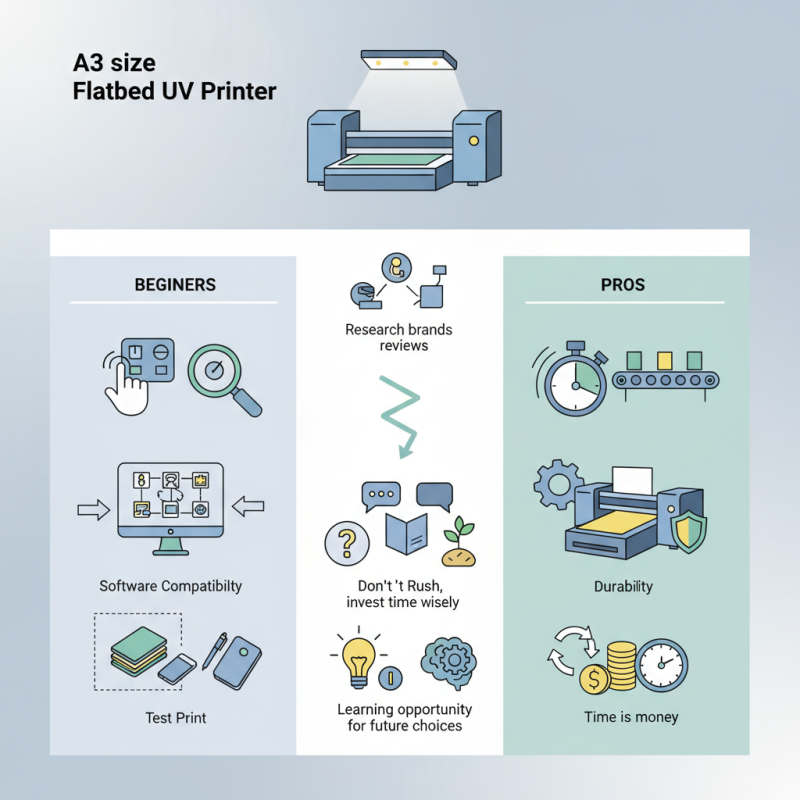
Choosing an A3 UV printer can be daunting for beginners and seasoned professionals alike. With the range of options available, understanding what to look for is crucial. An A3 UV printer offers versatility, allowing you to print on various materials. This capability opens doors to many creative projects.
For beginners, features like ease of use and software compatibility are vital. You might wonder, how does one ensure quality prints? Often, testing sample prints can provide insights. Experienced users might focus on production speed and durability. They know that time is money in the printing business.
Not all printers are created equal, and that’s a challenge. You need to research brands and read reviews. The right A3 UV printer is out there, but it may take time to find it. Don't rush; invest your time wisely for the best results. Each print run can be a learning opportunity, leading to better choices in the future.
Understanding A3 UV Printers: Basics for Beginners
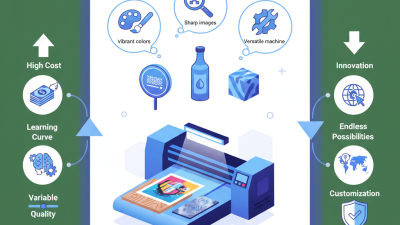
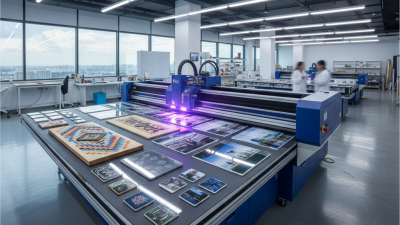
A3 UV printers are versatile tools for printing on various surfaces. They can print on wood, glass, and plastic. This makes them popular among artists and businesses alike. Beginners might find it overwhelming at first. However, understanding the basics can ease the learning curve.
An A3 UV printer uses ultraviolet light to cure ink as it is printed. This allows for high-quality results with vibrant colors. New users should consider the types of materials they plan to print. Certain surfaces may require specific settings. Experimenting can yield unexpected results, leading to both successes and failures.
For those more experienced, knowing how to fine-tune settings matters. Adjustments in speed, ink thickness, and curing time can greatly impact quality. Keep in mind, even professionals make mistakes. It's essential to analyze what went wrong and learn. Getting comfortable with an A3 UV printer takes time and practice. Embrace the journey of discovery.
A3 UV Printer Tips for Beginners and Pros
This bar chart illustrates the average ratings of various A3 UV printer features based on user feedback, aiding both beginners and pros in their decision-making process.
Key Features to Consider When Choosing an A3 UV Printer
When selecting an A3 UV printer, several key features deserve close attention. Print resolution is crucial. A higher resolution means better detail and vibrant colors. For detailed designs, seek printers with at least 1200 dpi. Another consideration is the type of UV inks used. Some inks offer better adhesion on various surfaces. This can influence the durability and quality of your prints.
Speed matters too. A fast printer can enhance productivity. However, be cautious; faster speeds may sometimes sacrifice quality. Evaluate the balance between speed and precision. The printer's versatility is also vital. Can it handle different materials like wood, metal, or acrylic? This feature opens many possibilities for creative projects.
User interface and design are often overlooked. A simple, intuitive interface makes operating the printer easier. This can save time and reduce frustration. Regular maintenance options should also be considered. Look for printers that are easy to service and have accessible parts. This can save you from potential headaches in the long run.
Advanced Techniques for Pros to Enhance Printing Quality
When enhancing printing quality, professionals often focus on material choices. Selecting the right substrate can dramatically affect the outcome. Each surface reacts differently to UV inks. For instance, glossy papers create vibrant colors, while matte options tend to offer subtle finishes. Experimenting with various materials helps you find what works best.
Calibration is another crucial aspect. Many forget to adjust their printers after changing ink types or substrates. Minor settings can lead to noticeable differences in prints. Regularly check the color profile settings to ensure accuracy. It may seem tedious, but this step is essential for consistent results.
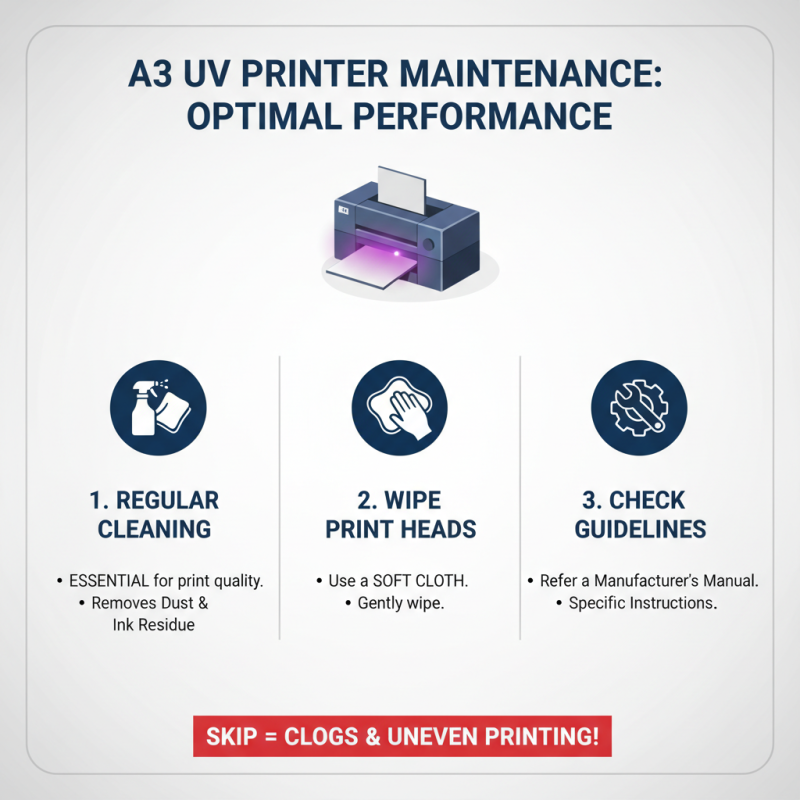
Lastly, consider maintenance routines. Dust and ink buildup can hinder performance. Regularly clean print heads and replace worn-out components. Neglecting these tasks can lead to frustration over time. A clean machine operates efficiently, producing more reliable and higher-quality prints. Keeping a log of maintenance tasks can also help track progress. Sometimes, it’s the small details that lead to significant improvement in your work.
Budgeting for an A3 UV Printer: Costs and Long-Term Value
When budgeting for an A3 UV printer, consider both initial costs and long-term value. The upfront price of the printer is significant, but don’t forget ongoing expenses. Ink, maintenance, and replacement parts can add up quickly. Evaluate how often you will use the printer. Higher usage means more ink and maintenance costs.
Tips for budgeting wisely include setting a clear limit on your spending. Calculate the total cost over a year. Do not overlook energy consumption; some printers use more power than you might expect. Research alternative suppliers for ink and materials. You can find better deals that align with your budget.
Think about the printer's lifespan. A cheaper model might seem appealing, but it could require frequent repairs. This could lead to higher costs in the long run. Look for user reviews and feedback to understand the reliability of the printer. Keep your expectations realistic; a good choice today does not always guarantee satisfaction tomorrow.